Learn Quran Recitation in Your Browser: A Simple Practice Routine

You can practise Quran recitation in a browser by choosing a short passage, listening to a reliable recitation and reviewing your own attempt with focused feedback. The useful part is not the device: it is a repeatable cycle of listening, reciting, correcting and returning to the passage later.
This guide turns the idea of easy web-based recitation practice into a practical routine. It is not a promise of instant fluency or a substitute for learning pronunciation from a qualified Quran teacher.
What do you need to practise Quran recitation in a browser?
Start with a supported, up-to-date browser, a stable connection, a working microphone and a quiet place. Keep the selected Quran passage visible in a trusted mushaf or verified digital text. Headphones can reduce speaker sound entering the microphone. Before a lesson, check that your browser has permission to use the correct audio input.
Run a short microphone test without reciting a long passage. If the recording is faint, clipped or dominated by background noise, fix the setup first. Move the microphone away from rubbing clothing, close competing audio tabs and avoid judging pronunciation from an unclear recording.
How should you choose your first passage?
Choose material you can read carefully without rushing, rather than the longest passage you can finish. A beginner may need guided letter and vowel work before connected reading; a more confident reader can focus on a short familiar passage. Ask a teacher to help select material and a manageable pronunciation target for your level.
Use our beginner Tajweed practice sequence if you are unsure where to start. Keep the Quran text unchanged. A difficult sound calls for explanation and practice, not an edited spelling or a guessed vowel.
What should you listen for before recording yourself?
Listen for one feature that relates to your current target: the articulation of a letter, the length of a sound, nasalization or an appropriate stopping point. Follow the same passage in your mushaf. A reliable human recitation provides a model, while your teacher helps explain how to produce the sound rather than merely imitate it.
Tajweed terms such as Makharij, Ghunnah, Madd, Qalqalah and Waqf name different aspects of recitation. You do not need to study them all in one sitting. Begin with the rule your teacher identifies and use a reference recitation consistent with the recitation tradition you are studying.
How can you turn feedback into a useful correction?
Treat feedback as a specific question to investigate, not a command to change everything at once. Identify the passage and the sound being discussed, replay your attempt, and compare it with the reference. Practise the corrected part before returning to the whole passage. If the explanation is unclear or contradictory, ask a qualified teacher.
- Name one target before you begin.
- Listen to the chosen reference passage.
- Recite once at a comfortable pace.
- Review one correction and try that part again.
- Return to the full passage and note what to check next time.
This is an editorial practice framework, not a clinically tested timetable. Our guide to useful recitation feedback explains how to make a question specific enough for another listener to answer.
How do you know whether practice is helping?
Look for a correction you can repeat on another day, not just a higher score during one session. Keep a short record of the passage reference, the sound you worked on and your next review target. Where possible, ask the same qualified listener to compare attempts so progress reflects audible changes rather than changing evaluation conditions.
Separate reading accuracy from memorization and beautiful delivery. Remembering a passage does not automatically establish correct Tajweed, and a pleasing melody does not resolve an articulation error. See our daily Tajweed drills for a focused practice structure.
How can families keep browser practice private and manageable?
For a child, supervise the session, choose a suitable passage together and check the service’s age and privacy requirements. Record only what is needed for practice, and review sharing settings before publishing any audio or video. Keep personal details out of recordings. A learner should not need to perform publicly to ask for help.
On a shared computer, use the intended account and sign out afterwards. Decide whether a recording needs to be retained before uploading it. If you are unsure who can access it or how to remove it, check the platform’s current guidance before continuing.
Can an AI Quran teacher replace a qualified human teacher?
AI-assisted practice can make it easier to ask questions and repeat a passage between lessons, but automated feedback is not an infallible ruling on pronunciation. Subtle articulation, timing and stopping decisions may need a knowledgeable listener. Use the tool to support practice, and bring recurring or disputed corrections to a qualified teacher rather than chasing a score.
QuranCast by NEARFOLD (Dubai) offers AI-assisted Quran practice. Keep the distinction between convenient feedback and independently confirmed mastery. For a balanced discussion, read AI versus human Quran teaching.
Do you need to install an app to use QuranCast?
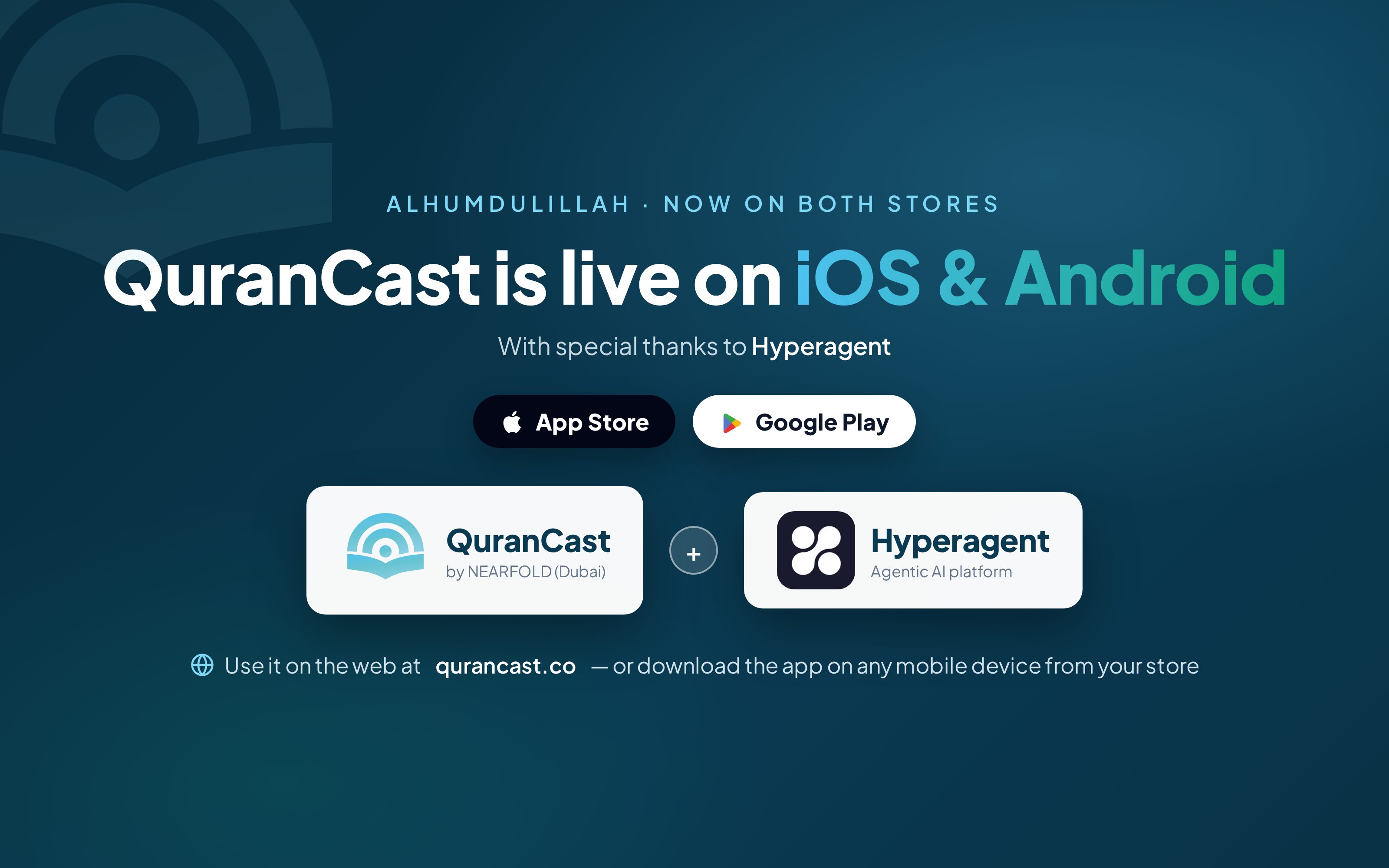
No. QuranCast is available on the web, so browser practice does not require installing its mobile app. Learners who prefer a native app can also find QuranCast on Google Play and the Apple App Store. Choose the format that fits your routine, then check microphone permissions, account details and the current lesson controls before starting.
Open QuranCast on the web, or use the official Google Play listing and Apple App Store listing. Availability does not mean every browser, device or network will behave identically.
Editorial guidance, not a guaranteed learning outcome or certification. No Quran verses are quoted or altered in this article. Cover: AI-generated illustration of a study setup, not a screenshot of the product; the official QuranCast logo was added separately.